Connect your Telegram account to an existing web account in settings.
Steps
- Sign in to the web app.
- Open Settings.
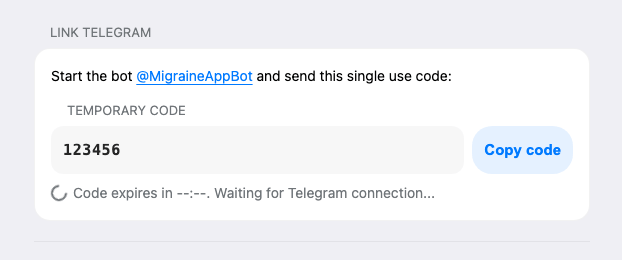
- In "Connect Telegram", request a one-time code.
- Open @MigraineAppBot and send the code.
- Wait for the "connected" state in settings.
After Connection
- Telegram reminders can be enabled.
- Web and Telegram use the same account data.