Export CSV when you want to analyze data in spreadsheets or scripts.
Web App
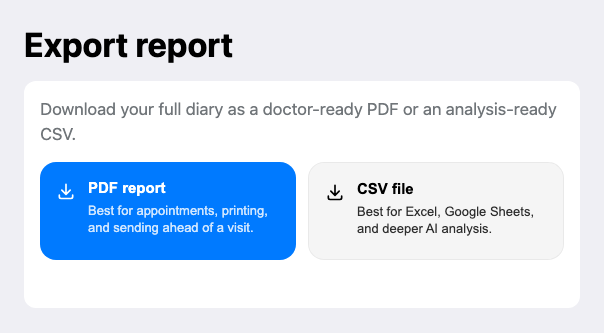
- Sign in to the web app.
- Open Reports.
- Choose "CSV file".
- Download the file.
- Open it in Excel, Google Sheets, or another analysis tool.
Telegram
- Open your report export tools in Telegram.
- Choose CSV format.
- Download the file.
AI Analysis
- CSV works well for analysis with advanced AI models.
- Upload the file to your preferred AI tool for additional analysis.
- See AI Report Analysis.